TABLE OF CONTENTS
3. What All Files Are Available For Download
4. How To Download Files From Downloads
1. Overview
This article provides detailed information on downloads, including how to access them, how to download files, and what all files are available.
2. How To Access Downloads
After signing in to algoQA, click Downloads in the left pane to access the files available for download.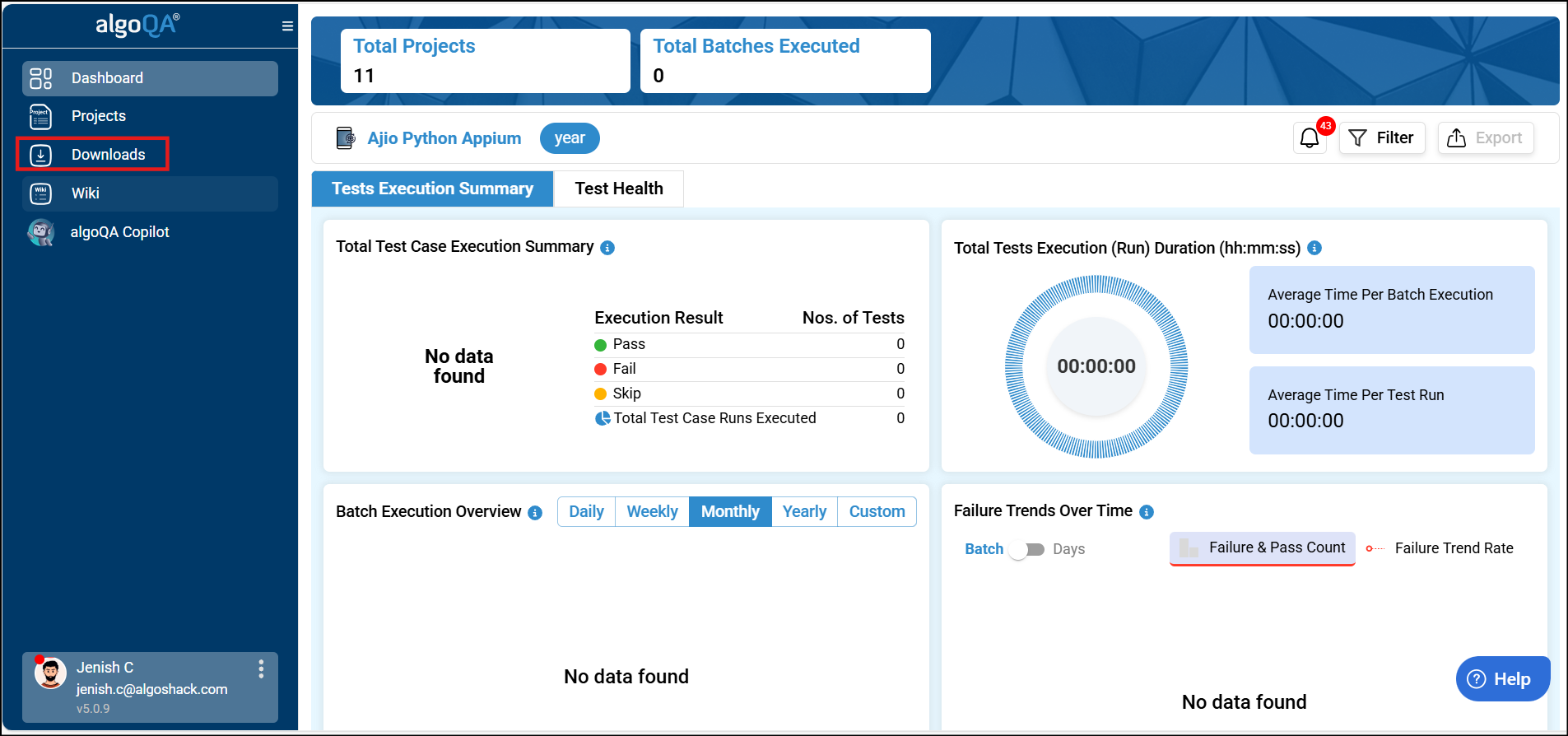
3. What Files Are Available for Download
The following files are available for download:
- algoScraper for Web
- algoScraper for Desktop
- algoScraper for Mobile
- algoReportExe
- Maven
Each file is listed with its file name and version number.
4. How To Download Files From Downloads
To download a file, click the link next to its name in the File Name column, and the file will be saved to your system. You can also use the search field to find files you need to download.
Was this article helpful?
That’s Great!
Thank you for your feedback
Sorry! We couldn't be helpful
Thank you for your feedback
Feedback sent
We appreciate your effort and will try to fix the article