TABLE OF CONTENTS
3. How To Schedule a call for Support Session
1. Overview
This article provides detailed guidance on how to raise a ticket when you encounter any issues, request feature enhancements, or propose new features.
2. How To Raise a Ticket
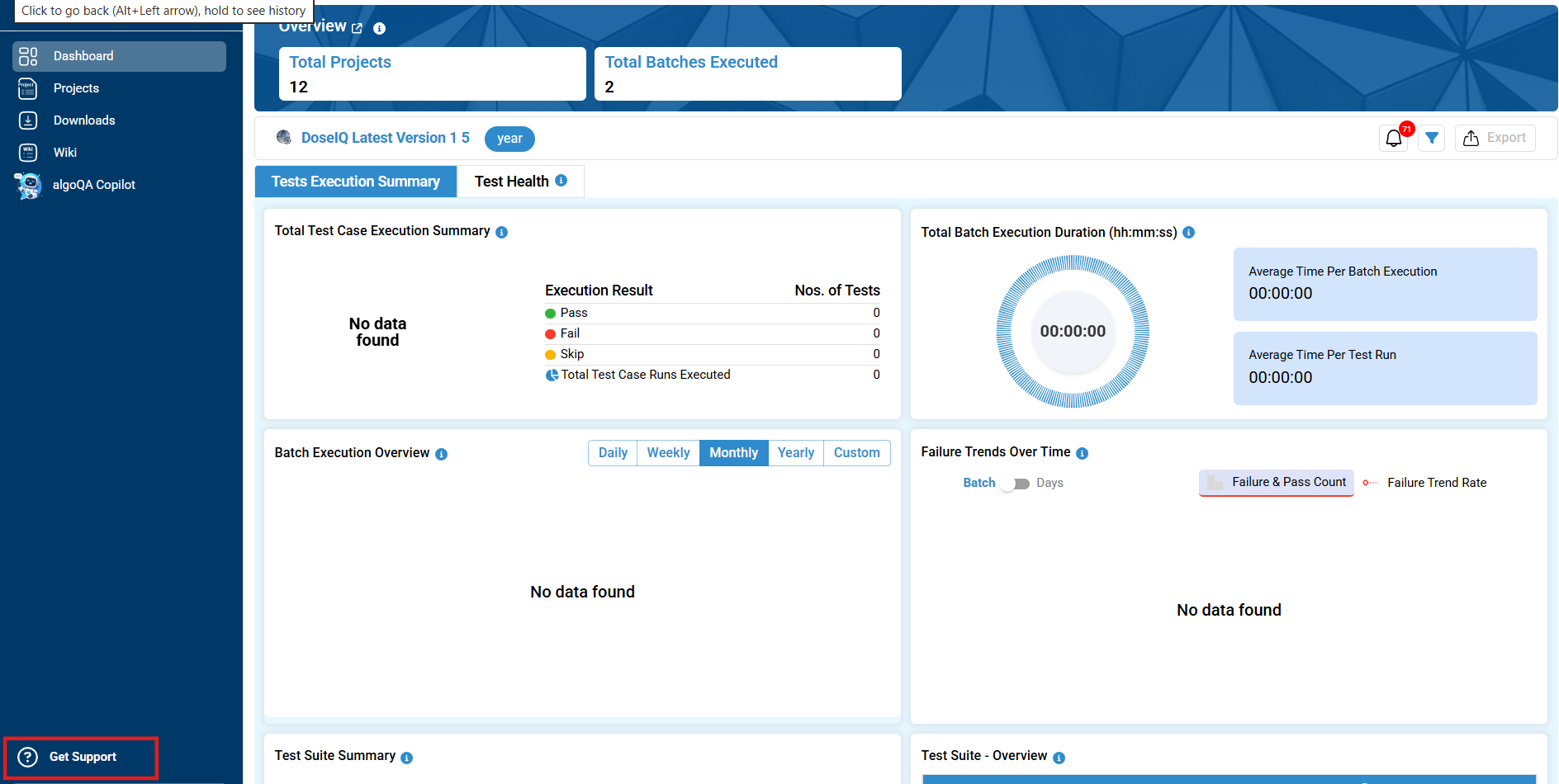
- Once you are logged into algoQA, if you encounter any issues, require an enhancement, or would like to request a new feature, click the Get Support button available above your profile.
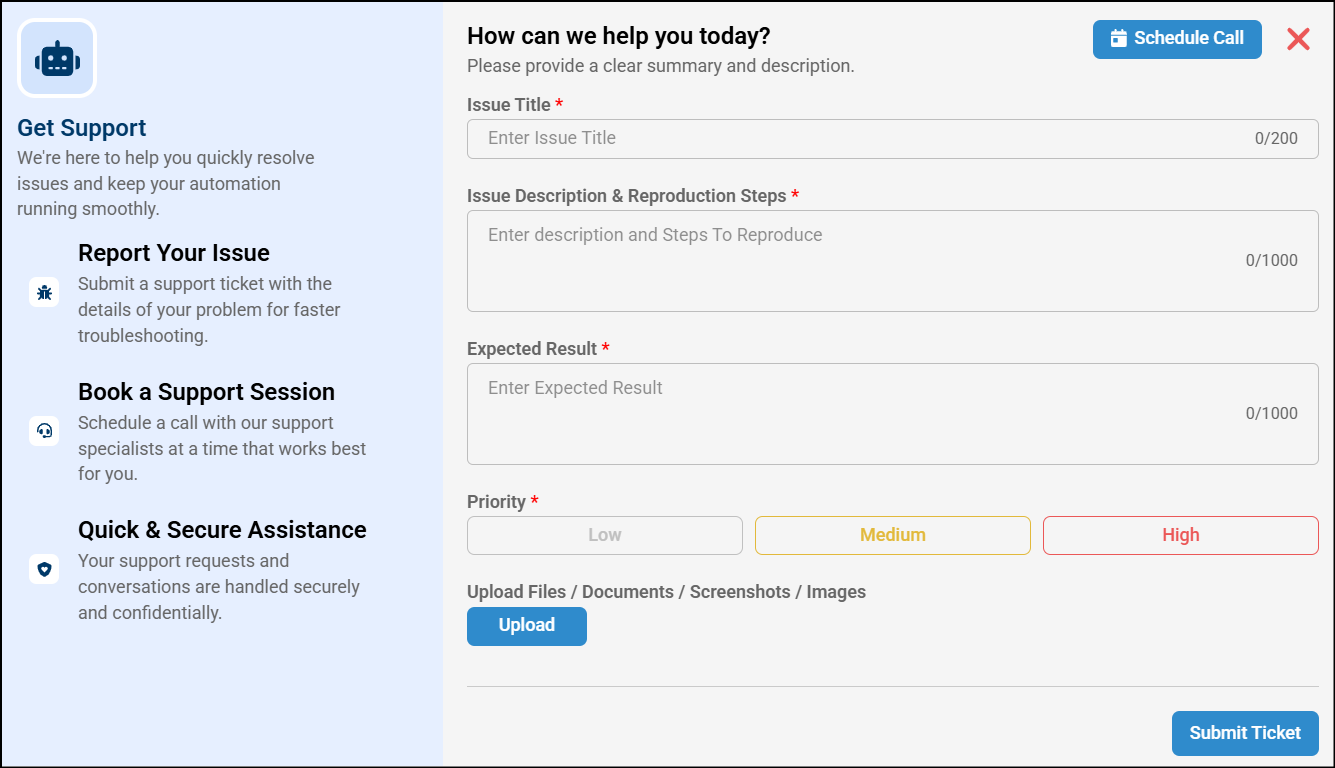
- A pop-up appears where you need to enter your Issue title, Issue Description & Reproduction Steps, Expected Result, and set the priority. You may also attach a file, documents, images to provide an example of the issue and click Submit Ticket.
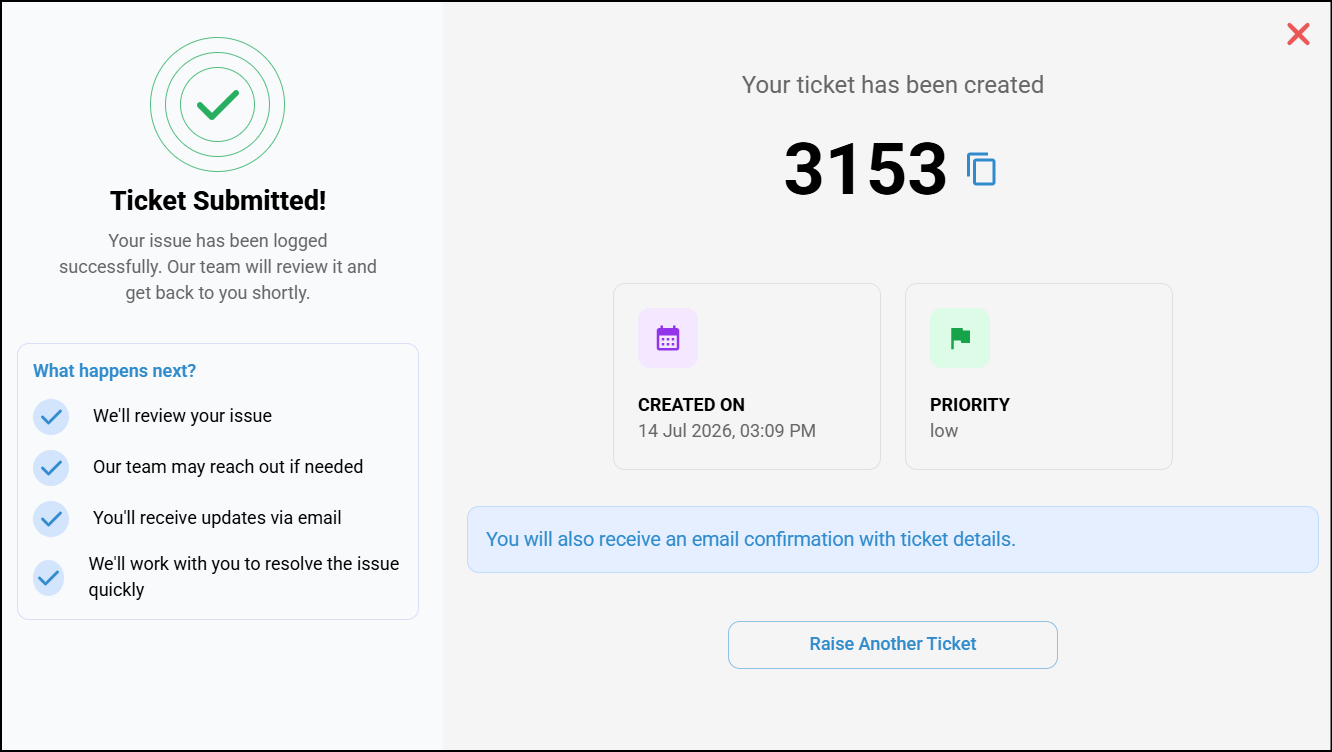
- Once the ticket is submitted, a confirmation pop-up appears displaying the Ticket Number, Created Date & Time, and Priority. The left panel provides the next steps for your request. If you need to create another request, click Raise Another Ticket. Additionally, you will receive an acknowledgment email from our Customer Support team confirming that your ticket has been successfully submitted.
- The ticket will be received by our customer support team, who will review and triage it, then reach out to you to discuss or clarify the requirement.
- Based on the severity, the customer support team will provide an estimated date by which the issue will be fixed or the enhancement will be delivered.
3. How To Schedule a call for Support Session
- Once you are logged into algoQA, if you encounter any issues, require any support call, click the Get Support button available above your profile.
- A pop-up appears. Click the Schedule Call button.
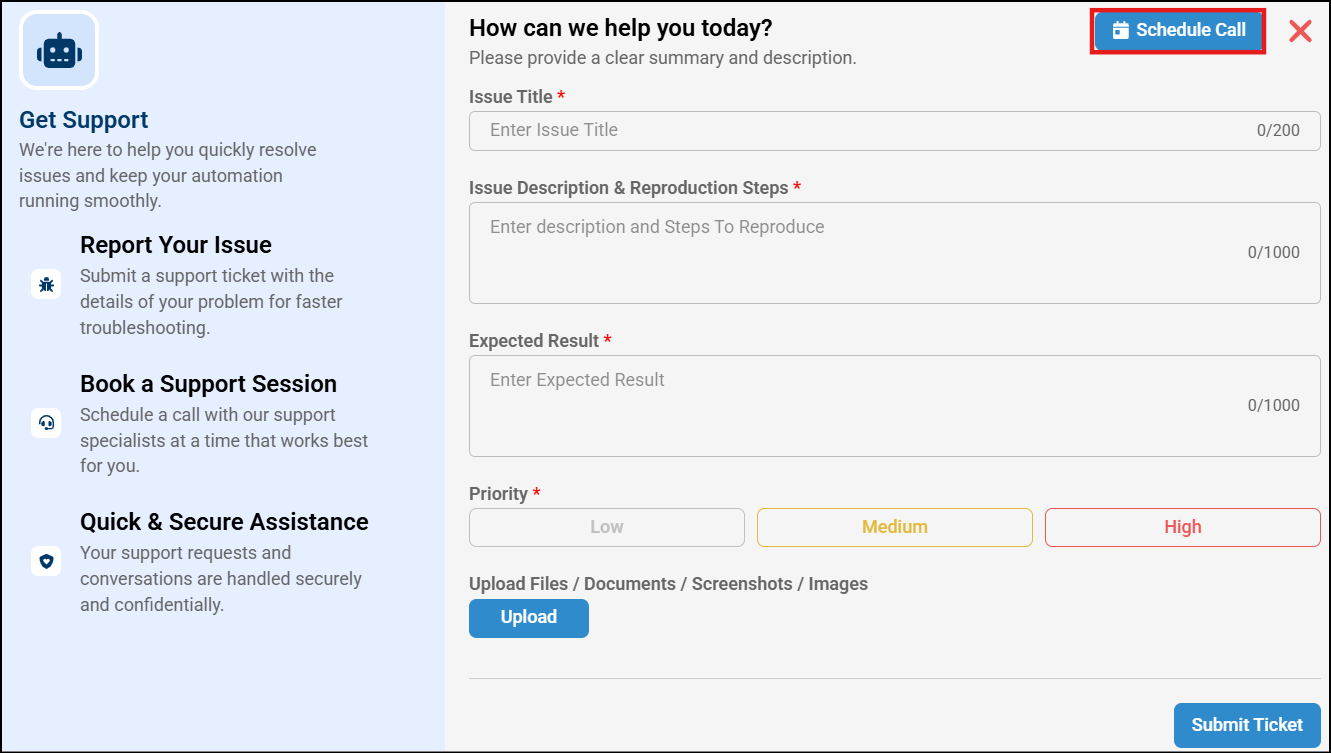
- Enter a description specifying the purpose of the call and the support you require and click on Schedule Call.
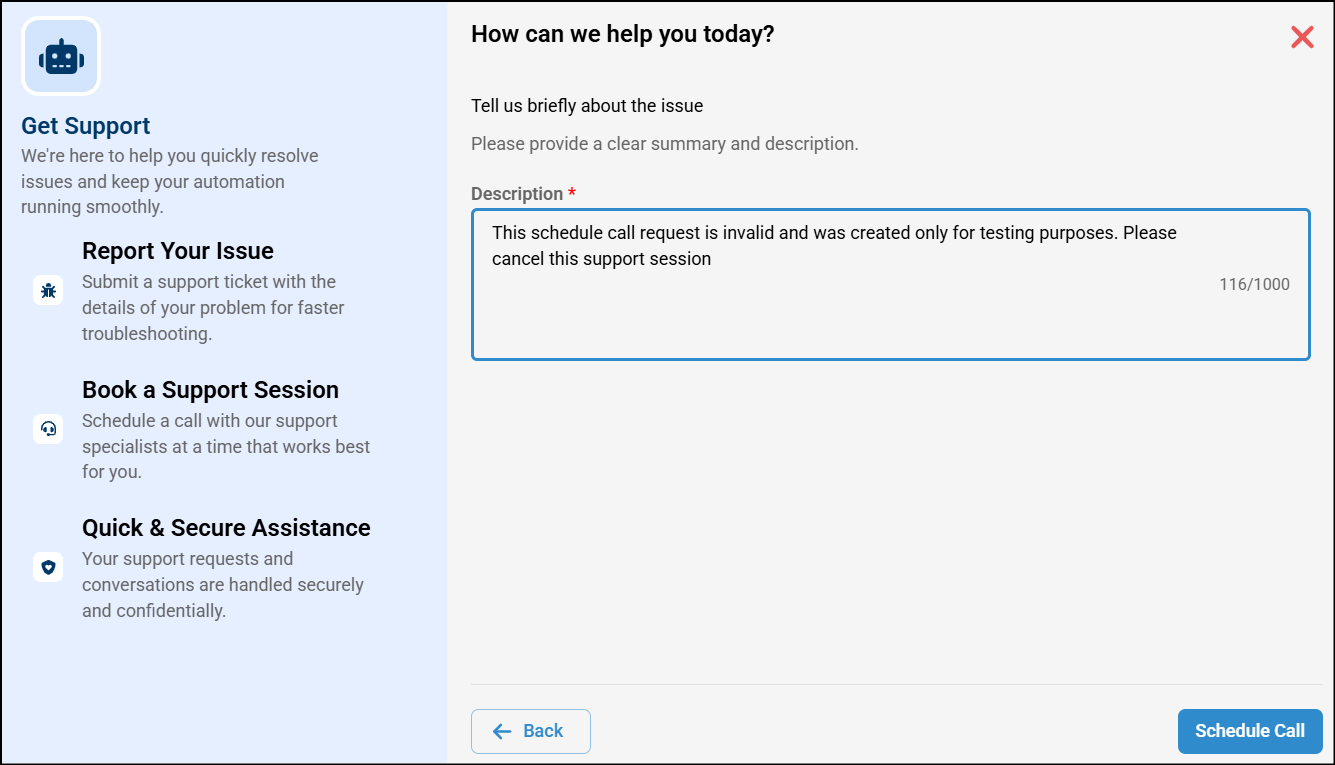
- A confirmation pop-up appears indicating that your call scheduling request has been received.
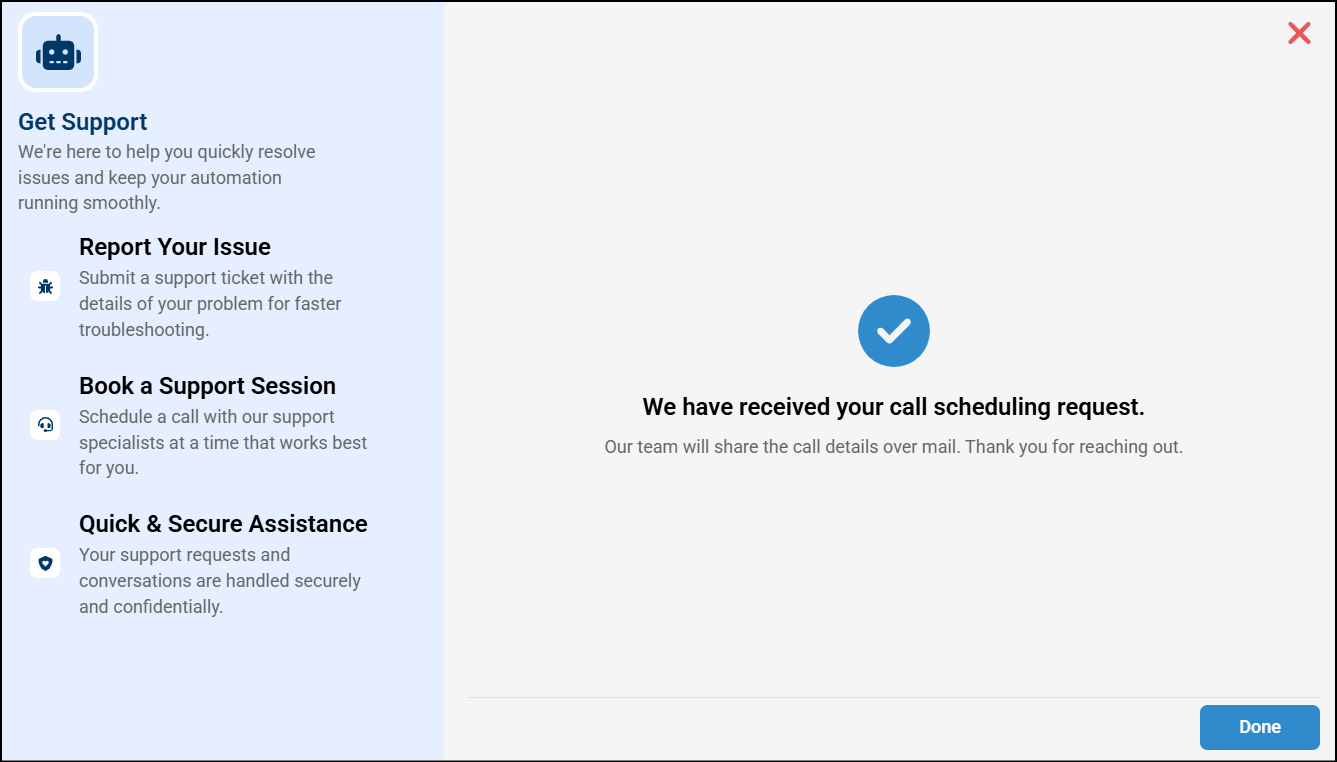
- Our Customer Support team will receive your request and contact you to schedule the call.
Was this article helpful?
That’s Great!
Thank you for your feedback
Sorry! We couldn't be helpful
Thank you for your feedback
Feedback sent
We appreciate your effort and will try to fix the article