TABLE OF CONTENTS
2. Installation Steps for WinAppDriver
2.2. Steps to Install Visual Studio
2.3. Required Components Installation Links
| This framework supports Desktop Automation, with required components including installation of Visual Studio and algoScraper. |
1. Overview
This article provides you the installation steps for C# WinApp Driver and Visual Studio.
2. Installation Steps for WinAppDriver
- Download Windows Application Driver installer from https://github.com/Microsoft/WinAppDriver/releases
- Run the installer on a Windows 10 machine where your application under test is installed and will be tested
- Enable Developer Mode in Windows settings
- Run WinAppDriver.exe from the installation directory (E.g. C:\Program Files (x86)\Windows Application Driver).
- Windows Application Driver will then be running on the test machine listening to requests on the default IP address and port (127.0.0.1:4723).
2.1. Steps to Install Dotnet
To Install Dotnet, perform the following:
- To download Dotnet version 9, click here.
- Click on Direct link, it will take some time to download required files before the installation.
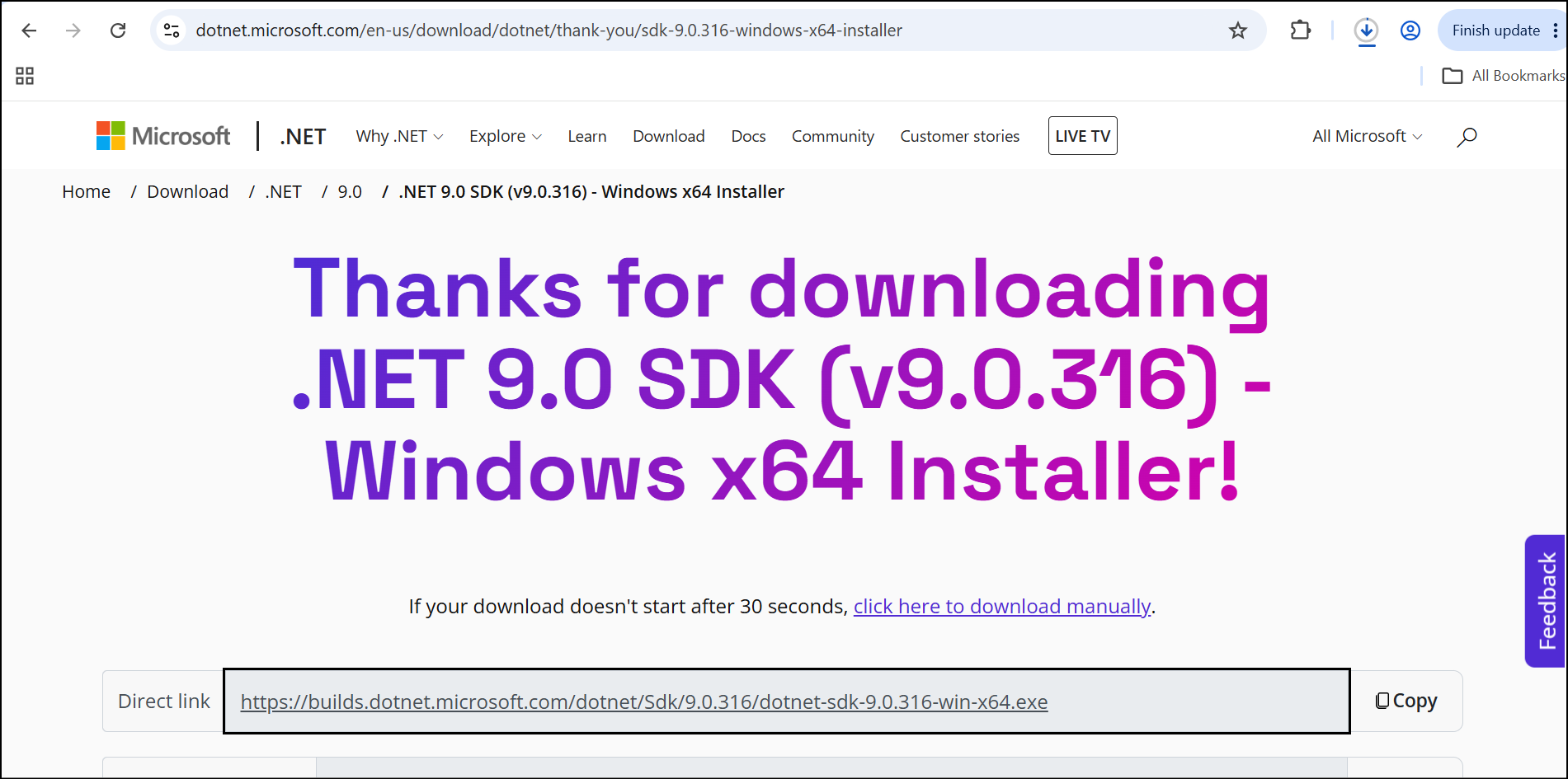
- Once the SDK file has been downloaded, open it from your Downloads folder by clicking the file.
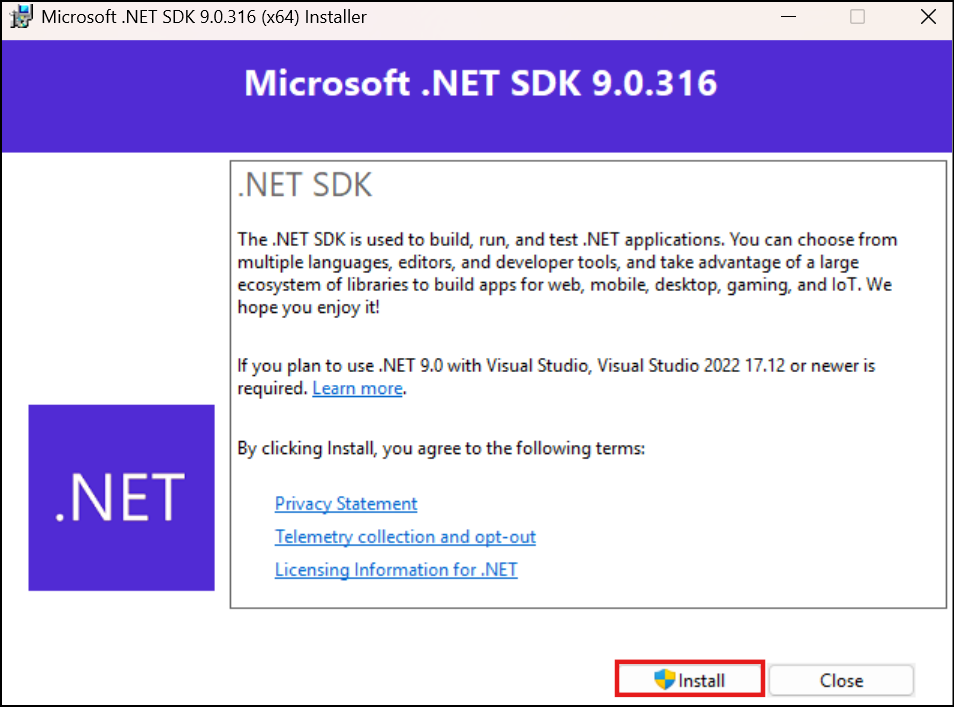
- The installer pop-up will appear. Click Install to begin the installation process.
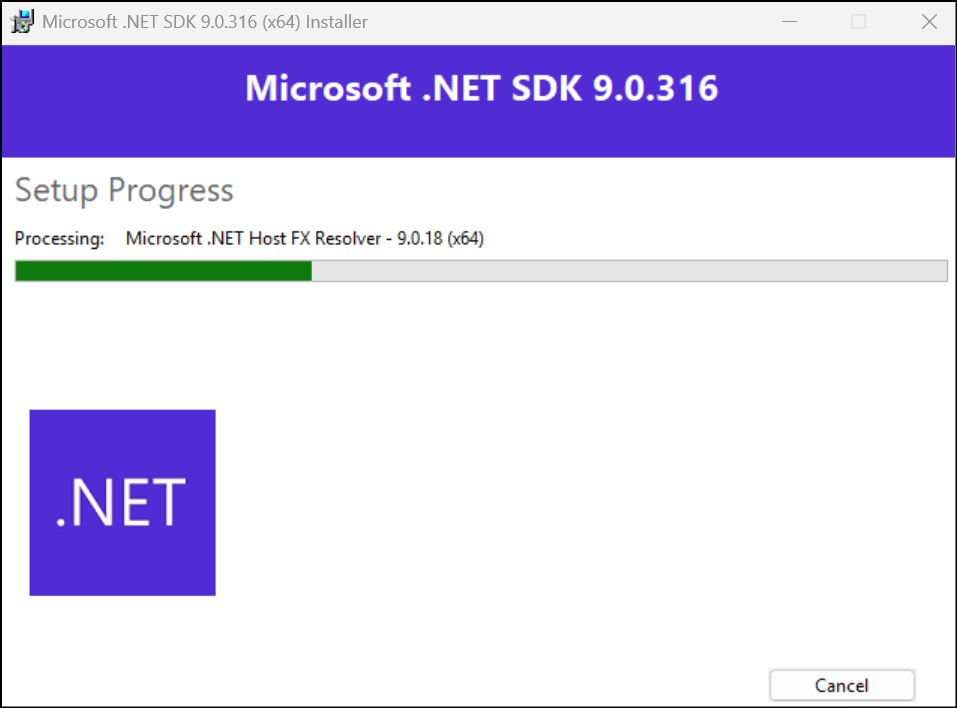
- You can view the setup progress as the installation is in progress.
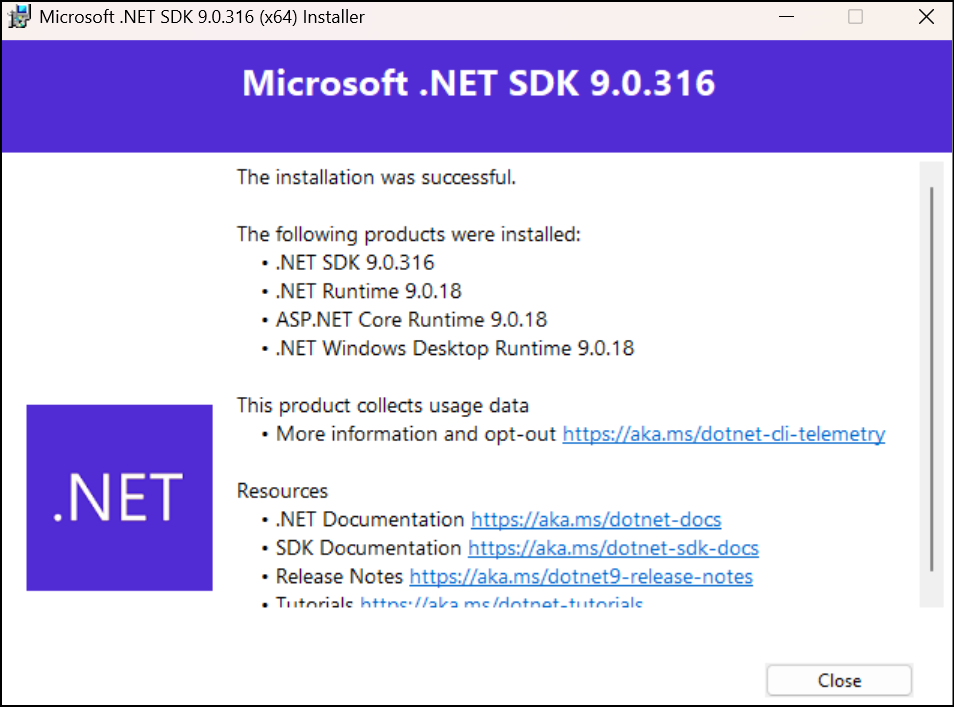
- The installation completed pop-up will appear, displaying the list of products that were successfully installed.
2.2. Steps to Install Visual Studio
C#-WinAppDriver.exe, the latest version, is compatible with Visual Studio versions 2017 and above. These tools work together to support the automation of Windows desktop applications using C# and Visual Studio as the development environment.
To install Visual Studio, perform the following:
- To download Visual Studio community version, click here.
- Run the setup file, it will take some time to download required files before the installation.
Make sure to select the following workloads before proceeding to installation.
Windows

- DOTNET desktop development
- Universal Windows Platform development
Web & Cloud


- ASP .NET and web development
- Data storage and processing
- Office/SharePoint development
Other ToolSets
- Visual Studio extension development
- .NET Core cross-platform development
2.3. Required Components Installation Links
- To install algoScraper, refer to the article Installation Steps for algoScraper.
Was this article helpful?
That’s Great!
Thank you for your feedback
Sorry! We couldn't be helpful
Thank you for your feedback
Feedback sent
We appreciate your effort and will try to fix the article