TABLE OF CONTENTS
1. Overview
This article provides you the detailed information on how to create a feature for a Control from Scraper.
2. How to Add a Feature Name
- Click on the Create Feature icon.
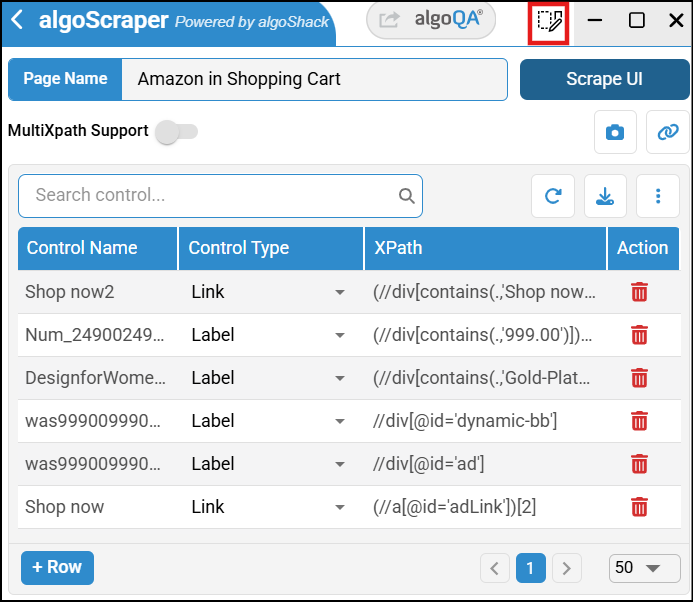
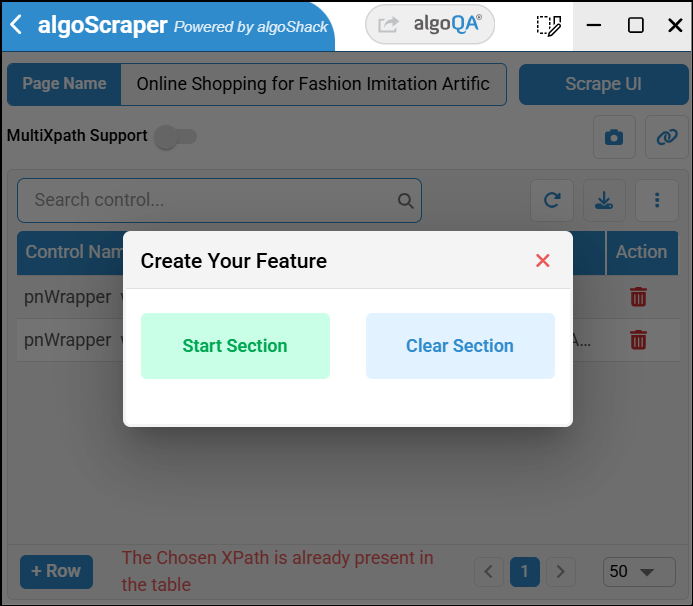
- The Create Your Feature pop-up appears. Click Start Section, then select the element for which the feature name should be added.
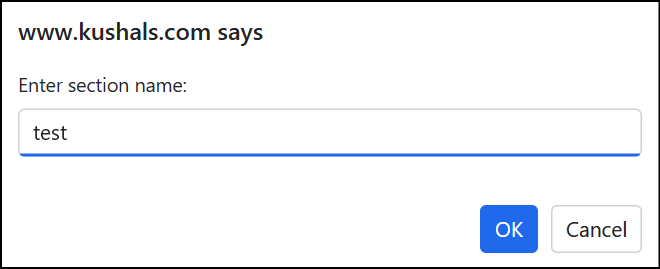
- A pop-up appears to enter the section name. Enter the name and click OK.
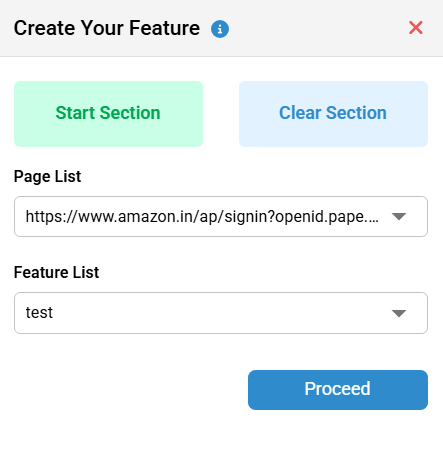
- Click Stop Section. The feature name will be added to the Features List dropdown. You can edit the name by clicking the Edit icon, or clear the section if you want to remove it. Once done, click Proceed.
- Click on Stop Recording button after recording your actions.
- The feature name will appear in the Feature Name column. After navigating back to algoQA with the scraped file, the feature name will also be visible on the Test Design page.
- If you upload scraped data into an existing project and a feature with the same name already exists in algoQA, a duplicate feature will not be created.
Was this article helpful?
That’s Great!
Thank you for your feedback
Sorry! We couldn't be helpful
Thank you for your feedback
Feedback sent
We appreciate your effort and will try to fix the article